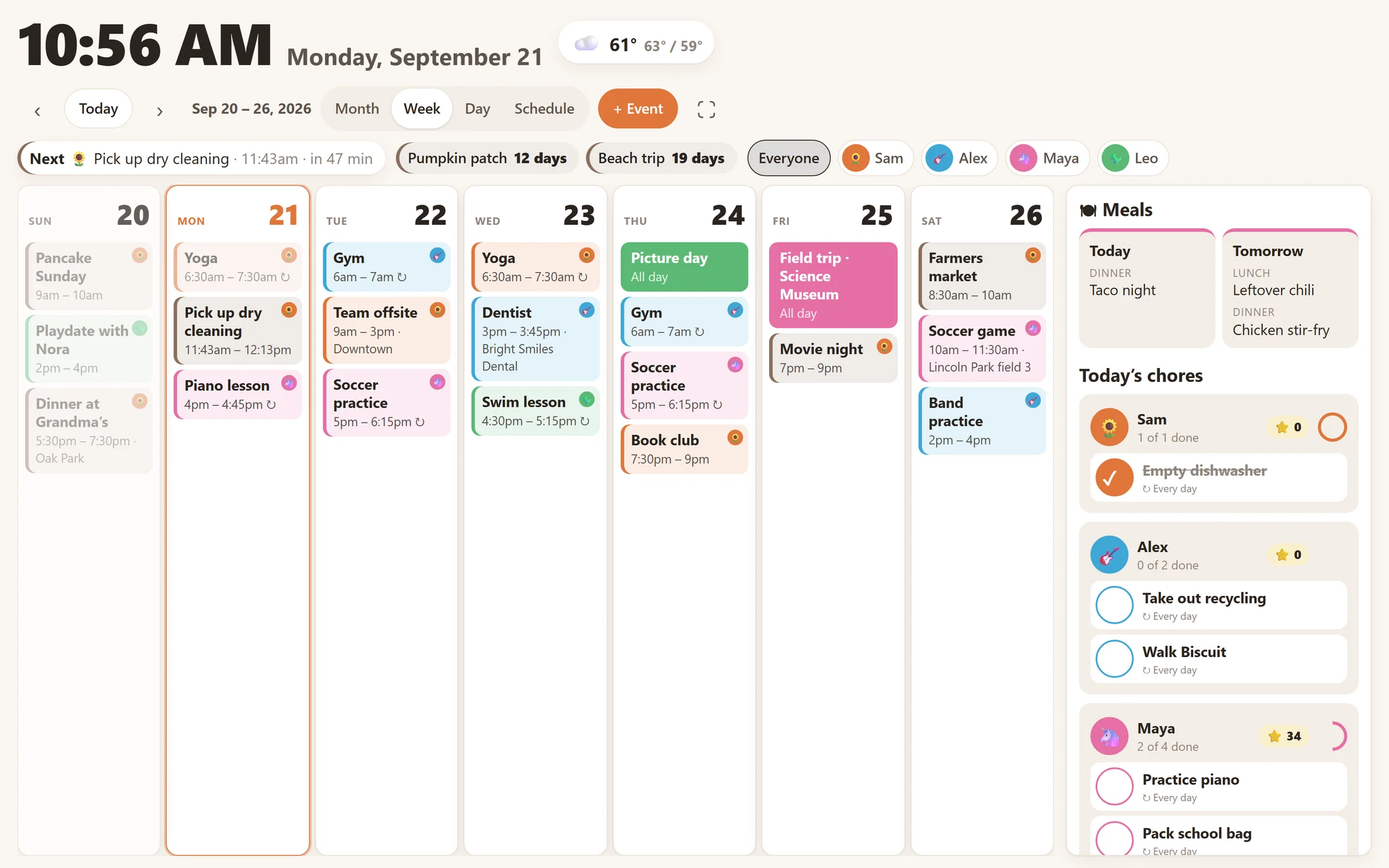
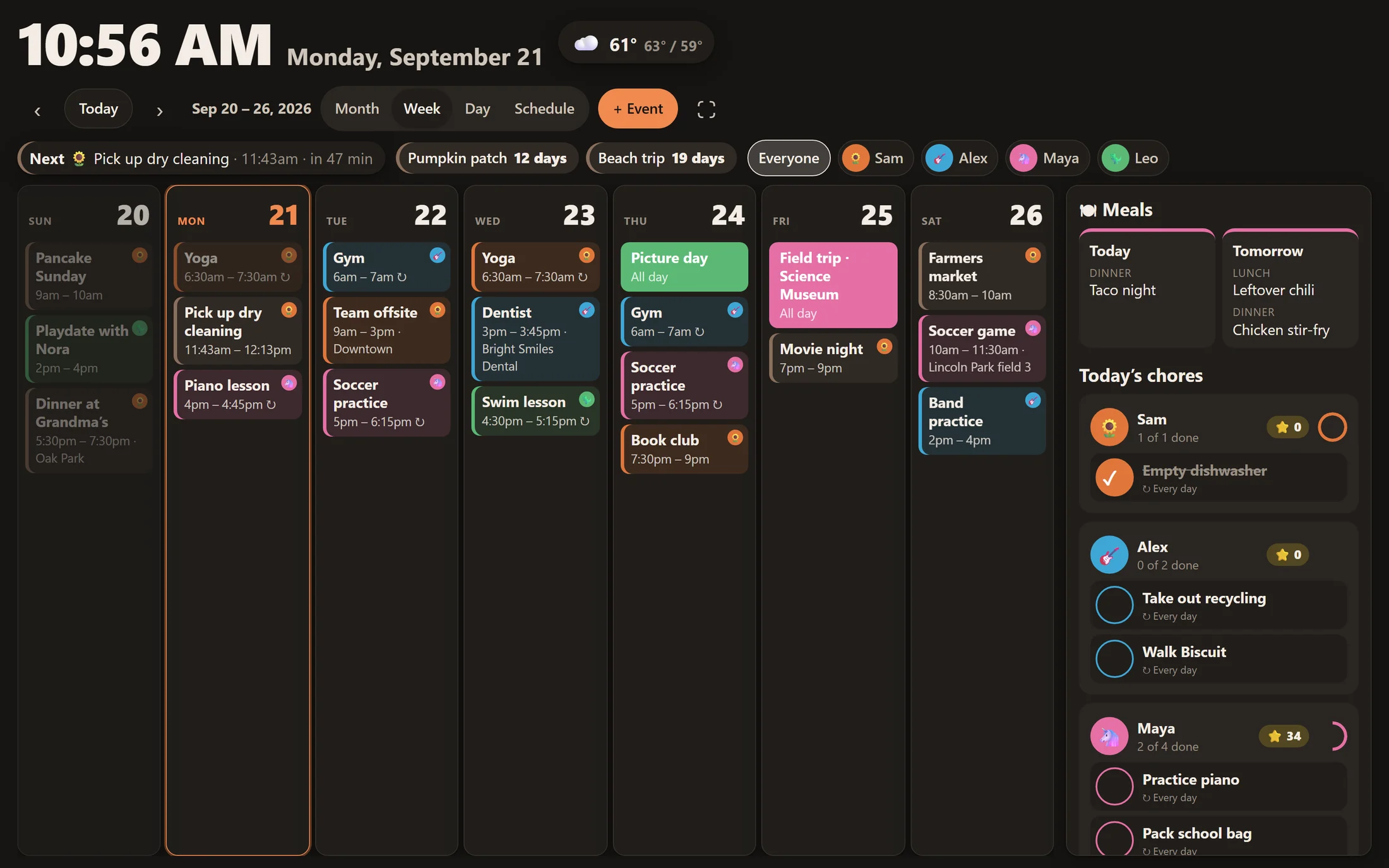
What do I need for the wall display?
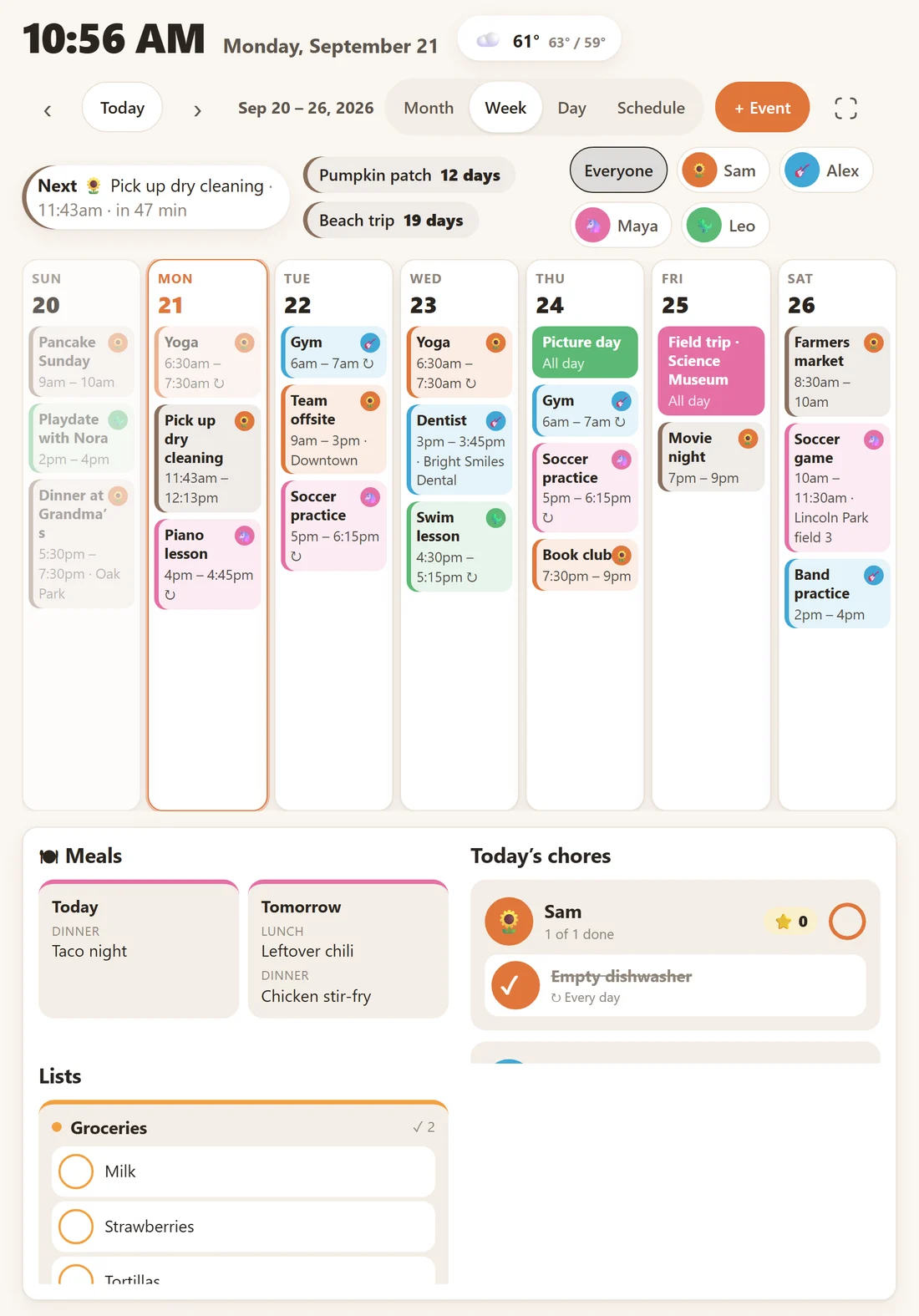
Any screen with a modern web browser. An older iPad or Android tablet works well, and so does a monitor with a Raspberry Pi. The display does very little work, so a secondhand tablet is plenty. Create a display link in Settings and open it on the device.
Do I need a domain name?
No. Hearth works on your home network straight away. For use away from home, installing it as a phone app, push reminders, and linking Google or Outlook, you’ll want HTTPS. The installer can set that up with your own domain or a free Cloudflare Tunnel.
Which calendars can I connect?
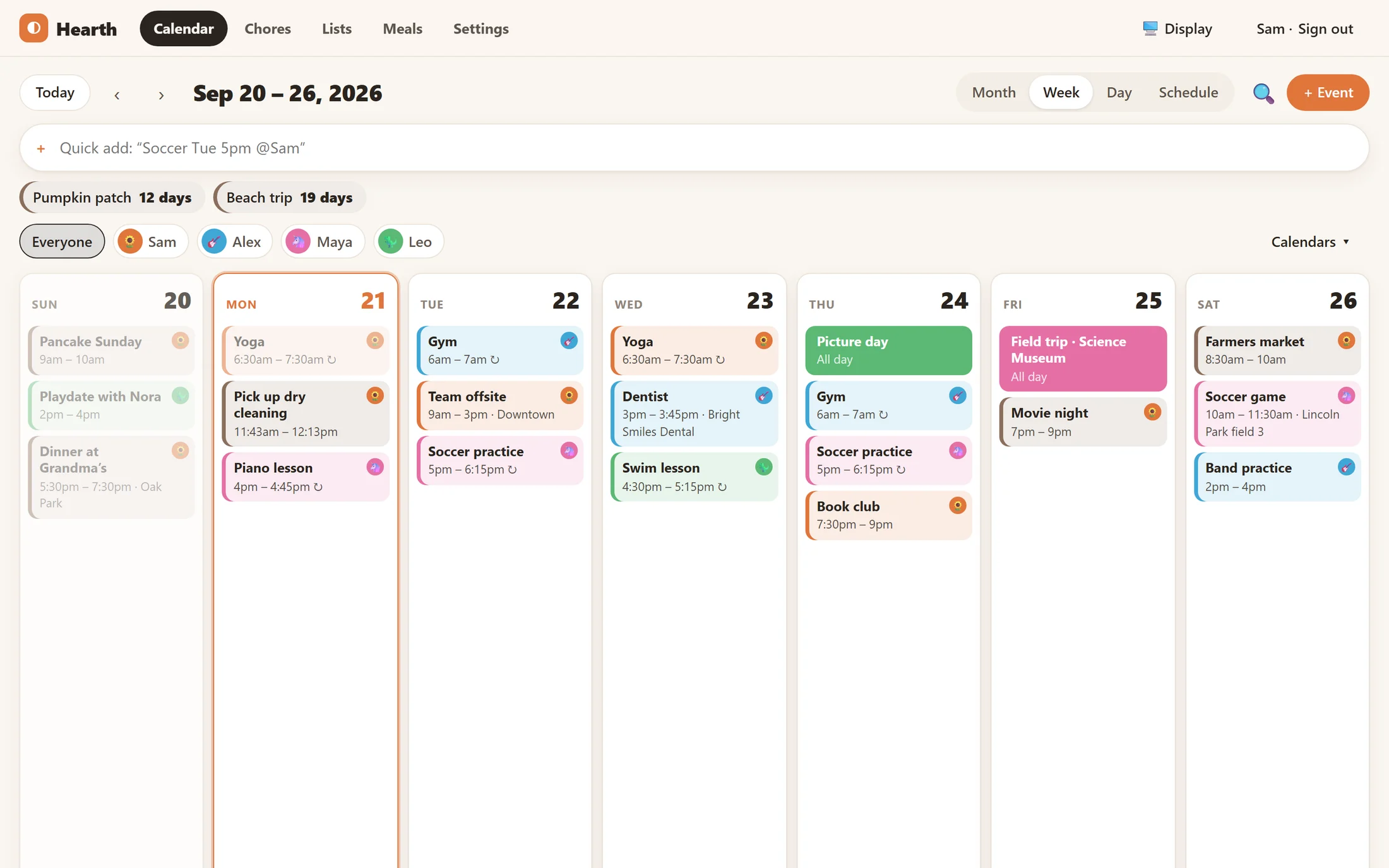
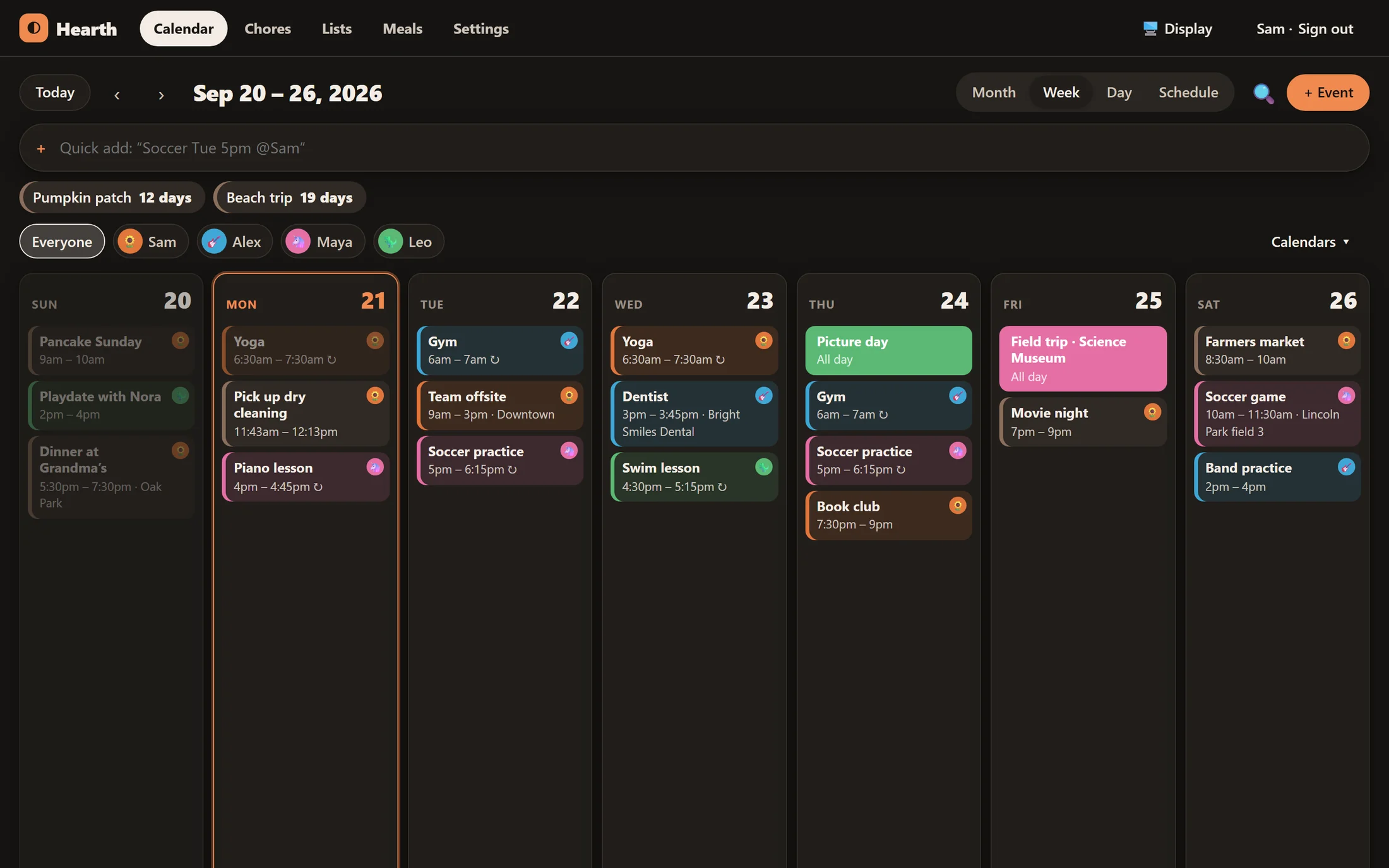
Google, Outlook.com and Microsoft 365, iCloud, Fastmail, Nextcloud and any other CalDAV server sync both ways. School, sports and team calendars can be added from their subscribe links, and holiday calendars from a list of countries.
Does my data go anywhere?
Your events, lists and photos stay on your server. Hearth only talks to the services you connect (like Google or Outlook), your own email provider if you set one up, and Open-Meteo for the weather, which only receives your town’s location.
How do updates work?
Run the install command again. It keeps your settings and data, downloads the newest version and restarts. Each update is built automatically from the open-source code on GitHub.
Can the kids use it without accounts?
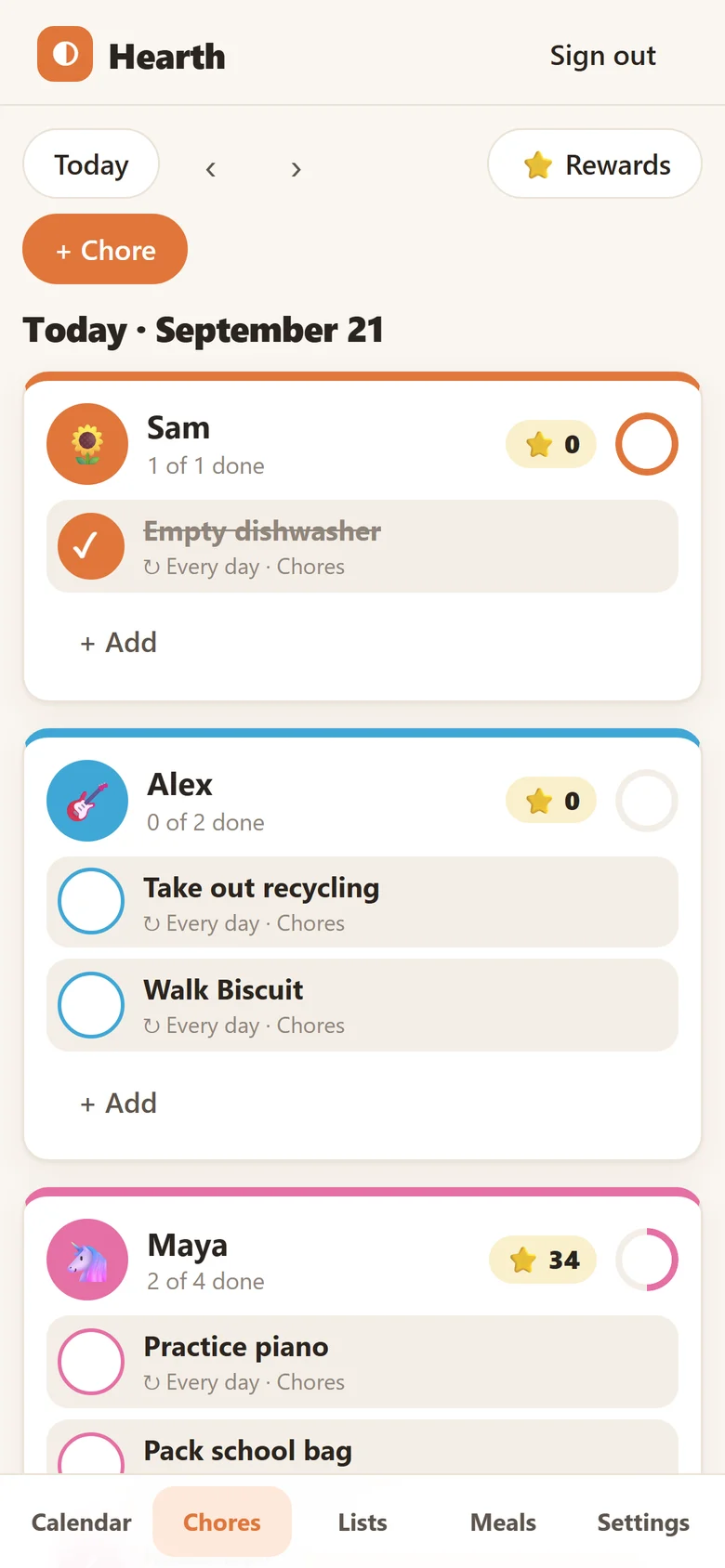
Yes. Family members are just names with a colour and emoji. Kids can tick off chores and see their stars on the wall display, and grown-ups manage everything from their own accounts.